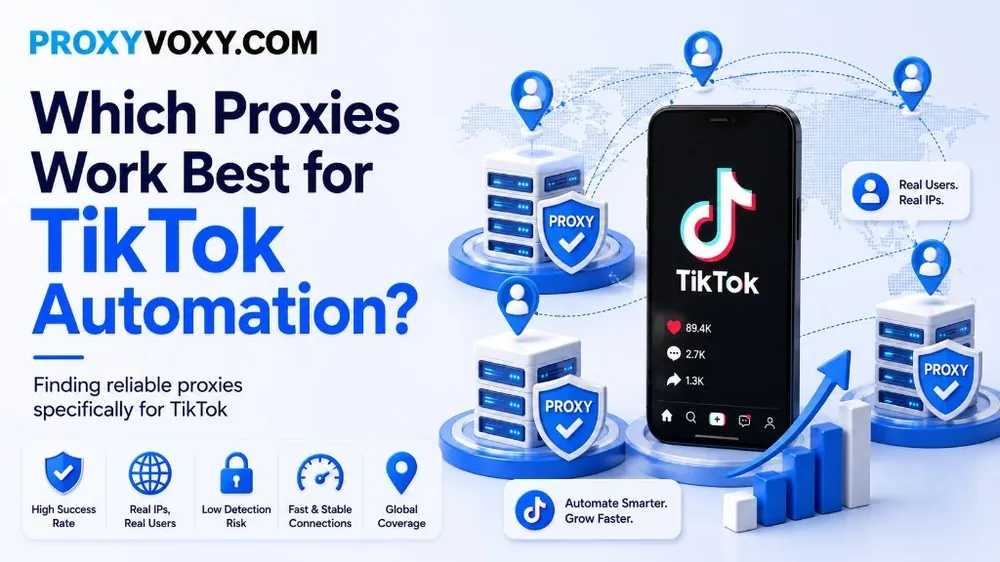
TikTok has transformed from a simple short-form video sharing application into one of the most powerful marketing and social commerce platforms in the world. With the introduction of TikTok Shop, the Creator Rewards Program, and livestream shopping, businesses and digital marketers are leveraging automation to manage multiple accounts, scale content distribution, and drive viral traffic. However, TikTok's security infrastructure is among the most sophisticated in the tech industry, employing advanced device fingerprinting, machine learning behavioral models, and strict IP address filtering.
If you attempt to run TikTok automation scripts or multi-accounting tools (such as anti-detect browsers, custom Puppeteer/Playwright scripts, or automation bots) from standard datacenter IPs or poor-quality proxy servers, your accounts will be flagged instantly. This leads to shadowbans (where your videos get 0 views and are suppressed from the "For You" page) or immediate account suspensions. To successfully scale, you need to know: Which proxies work best for TikTok automation?
In this definitive technical guide, we will break down the mechanics of TikTok's anti-bot system, evaluate the different proxy types, present telemetry data, and guide you on selecting and configuring reliable proxies specifically for TikTok.
Understanding TikTok's Advanced Anti-Bot Architecture
To choose the right proxy, you must first understand how TikTok detects automation. TikTok does not just monitor your IP address; it collects a wide array of metadata points to determine whether a connection is authentic:
- Device Fingerprinting: TikTok's mobile app and web clients inspect canvas signatures, screen resolutions, hardware concurrency, operating system details, and browser engines. If these configurations do not align with your connection parameters (e.g., a mobile device fingerprint routed through a datacenter IP), it triggers flags.
- IP Reputation & ASN Classification: Every IP address belongs to an Autonomous System Number (ASN). ASNs are classified as Datacenter, Hosting, Internet Service Provider (Broadband), or Mobile Carrier. TikTok matches your user agent to your ASN class. If your account claims to be a smartphone user but connects via a datacenter ASN, it is marked as suspicious.
- Geographic Consistency (GEO-Targeting): TikTok checks the consistency of your IP address location. If an account is logged in from Los Angeles, California, and five minutes later from London, United Kingdom, it triggers an "impossible travel" alert, leading to immediate account locked status.
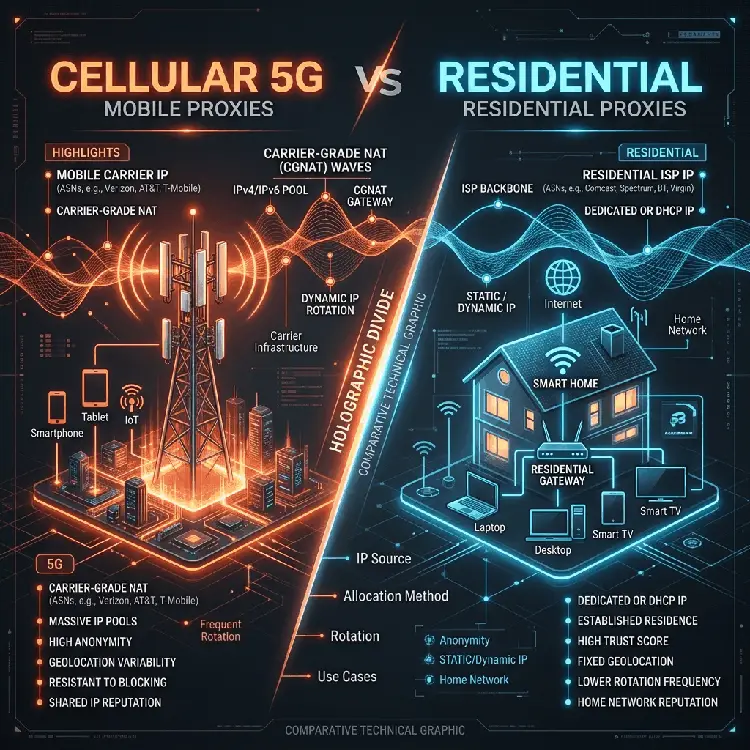
- Carrier-Grade NAT (CGNAT) Recognition: TikTok's security system is highly optimized for mobile carrier networks. Mobile carriers route thousands of distinct mobile devices through a single public IP. TikTok permits high request frequencies from mobile IPs because blocking a shared IP would prevent thousands of genuine consumers from accessing the app.
Comparing Proxy Types for TikTok Automation
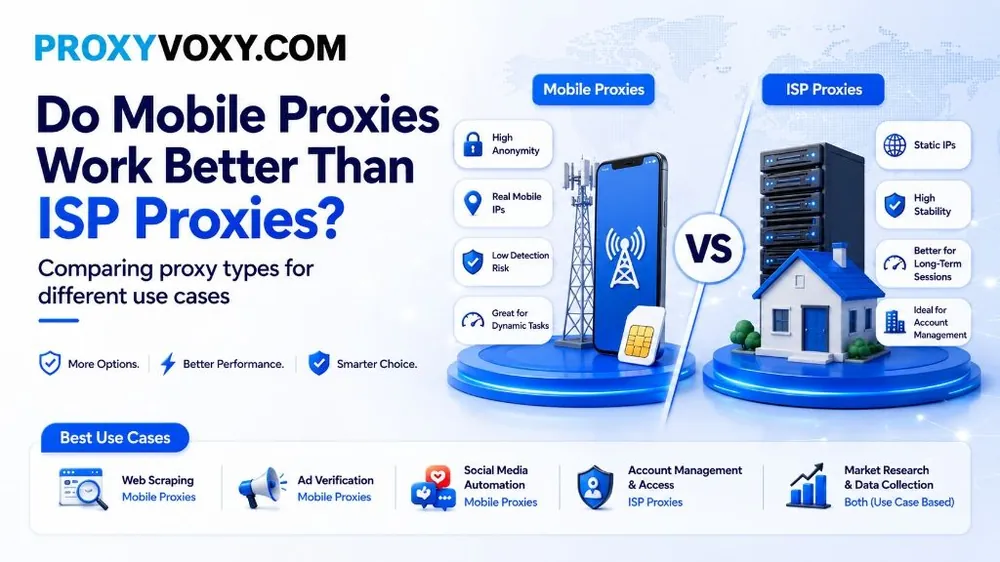
To automate TikTok safely, you must select a proxy type that matches the network parameters expected by the application. Let's compare the three main proxy types:
1. Datacenter Proxies (Do Not Use)
Datacenter proxies are hosted in cloud server farms (AWS, DigitalOcean, Linode). They are cheap and offer high bandwidth, but their ASNs are clearly marked as hosting providers. TikTok's firewalls block datacenter ranges automatically. If you manage to register an account using a datacenter IP, your videos will receive exactly 0 views due to automatic shadowbanning.
2. Residential Proxies (Highly Recommended for Scaling & Scraping)
Residential proxies route your traffic through genuine domestic home routers (Wi-Fi connections). These IPs carry legitimate broadband ISP ASNs (Comcast, AT&T, Charter Spectrum, BT).
Rotating clean residential proxy network from providers like ProxyVoxy are highly effective for high-volume automated tasks, such as web scraping, account registration, and initial profile setups. Since you have access to a massive pool of over 90 million residential nodes, you can rotate your IP for every request or run concurrent scraper pipelines globally at a low cost, starting at just $2.00/GB.
3. Mobile Proxies (4G/5G) (The Gold Standard for Account Management)
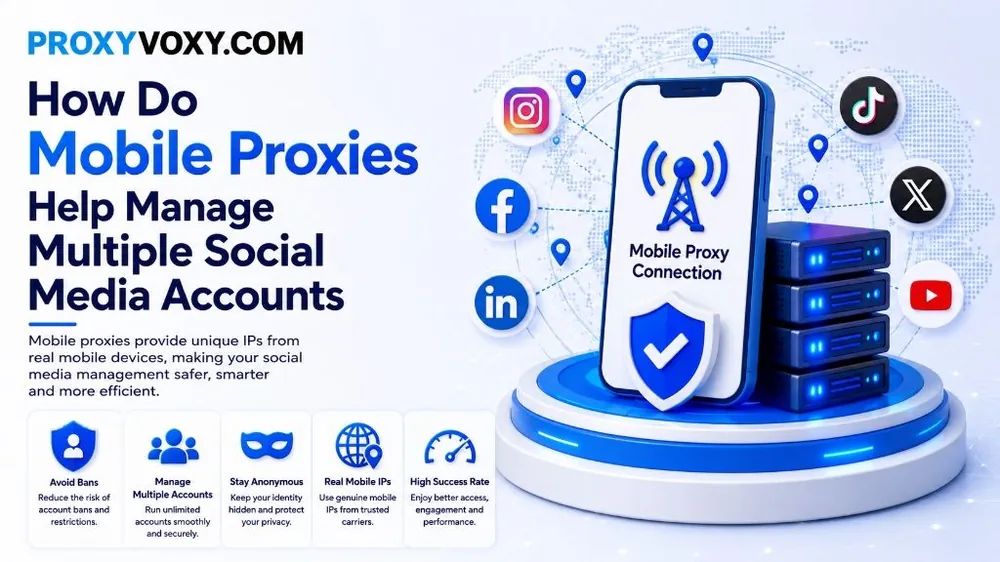
Mobile proxies route your connection through active cellular modems connected to 3G, 4G, or 5G cell towers. They assign your traffic an IP address from mobile carriers (such as Verizon, T-Mobile, Vodafone, or Orange).
Because they run on Carrier-Grade NAT (CGNAT) architecture, they have the highest trust score of any connection type. Mobile proxies are virtually immune to IP blocks. This makes them the ultimate choice for running long-term TikTok accounts, uploading videos, and performing direct automated actions (liking, commenting, following) on your main profiles.
Ready to Scale Your TikTok Campaigns Safely?
Route your accounts through ProxyVoxy's premium 4G/5G mobile proxies and rotating residential networks. Avoid shadowbans and target key regions instantly.
Create Your ProxyVoxy Account Now →Comparative Analysis: Datacenter vs. Residential vs. Mobile Proxies
The table below details the performance, cost, and risk parameters of each proxy category when used for TikTok automation pipelines:
| Proxy Category | IP ASN Classification | Average Uptime | TikTok Shadowban Risk | Best Automation Use Case |
|---|---|---|---|---|
| Datacenter Proxies | Hosting / Cloud Server | 99.99% | Extremely High (99%) | None (Instantly blocked or shadowbanned) |
| Residential Proxies (Rotating) | Broadband ISP (Wi-Fi) | Dynamic / Session-Based | Low (5% - 10%) | Web scraping, bulk registration, and warm-up pipelines |
| Mobile Proxies (4G/5G) | Cellular Carrier (CGNAT) | Dynamic / Carrier Handover | Near Zero (<1%) | Daily account management, video uploading, and outreach campaigns |
Key Strategies for GEO-Optimized TikTok Automation
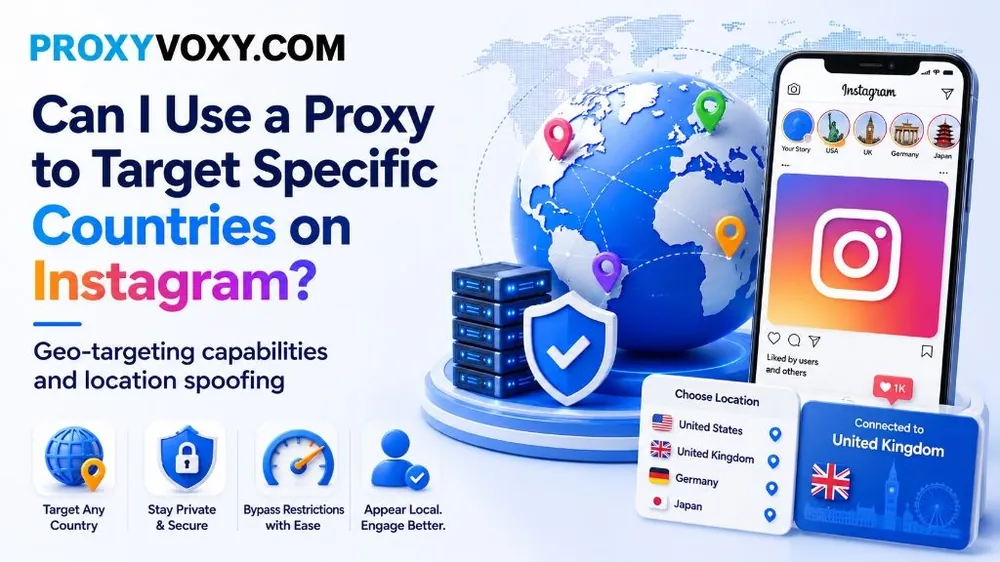
TikTok's algorithm serves content based on the geographic location of your IP address. If you want to target the lucrative United States or United Kingdom markets for affiliate programs, dropshipping, or TikTok Shop, you must optimize your proxy geolocation. Here is how to achieve geo-targeted success:
- Target Specific Geolocations: When configuring your ProxyVoxy residential or mobile proxies, choose country-level or city-level geotargeting. To target a US audience, select endpoints localized in major US cities (e.g., New York, Los Angeles, Chicago) to align your video distribution with high-value consumer groups.
- Match Device Locale to Proxy Location: Ensure your automation system or anti-detect browser matches the proxy's IP location. The device timezone, system language (e.g., en-US), and WebRTC coordinates must match your proxy's coordinates. If your IP location is New York but your system timezone is set to Paris, TikTok's algorithms will detect the discrepancy and shadowban the profile.
- Avoid IP Spanning & Session Leakage: Bind each account to a persistent, sticky IP session. While rotating proxies are perfect for web scrapers, managing TikTok accounts requires session stability. Use ProxyVoxy's sticky residential sessions (up to 30-minute persistence) or static mobile ports to keep the same IP during your automated session, avoiding account locks.
How to Set Up Proxies for TikTok Automation (Step-by-Step)
Follow this standard technical procedure to configure residential or mobile proxies for your TikTok automation framework:
- Step 1: Obtain Credentials from your ProxyVoxy Dashboard: Log in, select your zone (e.g., rotating residential or mobile proxy), and copy your server hostname, port, username, and password credentials.
- Step 2: Configure an Anti-Detect Browser: Open an anti-detect browser such as Adspower, Multilogin, or Dolphin{anty}. Create a new browser profile, select HTTP or SOCKS5 as the connection protocol, and enter the ProxyVoxy connection details.
- Step 3: Enable WebRTC and DNS Leak Protection: In the profile settings, enable WebRTC spoofing and ensure that DNS queries are routed through the proxy server (remote DNS resolution) rather than your local network, preventing IP leaks.
- Step 4: Verify Your Configuration: Start the browser profile and navigate to an IP audit website like
proxyvoxy.com. Ensure your public IP matches your proxy server, that the location is correct, and that there are no WebRTC or DNS leaks exposing your real location. - Step 5: Launch and Automate: Open TikTok, log in to your account, and execute your automation scripts using human-like delays, randomized mouse tracks, and moderate speed limits.
Best Practices to Avoid TikTok Shadowbans & Suspensions
Even with the best proxies, poor automation behavior can lead to account bans. Implement these advanced safeguards to protect your accounts:
- Limit Account Density: Never run more than 3 accounts on a single mobile proxy IP, and strictly 1 account per static residential IP. Exceeding these limits links your profiles, meaning a penalty on one account will cascade and suspend all others.
- Enforce Human-Like Sleep Intervals: Standard bots perform actions at static intervals (e.g., liking a post exactly every 60 seconds). TikTok's behavioral AI scans for these patterns. Introduce random jitter and delays (e.g., sleeping between 45 and 90 seconds) to simulate authentic human interactions.
- Warm Up Accounts Gradually: Do not start uploading videos or mass-following users immediately after registering a new account. Spend the first 3 to 5 days warm-up period browsing the feed, liking posts, and watching videos organically to establish account trust.
- Always Use SOCKS5 Protocols: SOCKS5 offers superior raw data transport speeds and does not append HTTP headers like
X-Forwarded-For, which can expose proxy usage to firewalls.
FAQ: Frequently Asked Questions
Can I use free proxies for TikTok automation?
No, free proxies are highly dangerous and unreliable. They are almost always blacklisted by TikTok, have extremely slow connection speeds, and carry risk of login credential theft. Always use secure, dedicated proxies from trusted providers like ProxyVoxy.
How many TikTok accounts can I run per proxy?
You should run a maximum of 3 accounts on a single 4G/5G mobile proxy (utilizing rotating or static carrier IPs) and exactly 1 account per residential/ISP proxy. Overloading a single proxy links your accounts, increasing the risk of a chain shadowban.
What network protocol is best for TikTok automation?
SOCKS5 is highly recommended over HTTP because it operates at a lower network transport layer, supports remote DNS resolution to prevent local IP leaks, and does not append identifying proxy headers (such as Via or X-Forwarded-For).
Why are my TikTok videos getting 0 views?
Getting 0 views is a classic sign of a shadowban. This happens when TikTok detects that your IP address belongs to a datacenter range, or when device fingerprint parameters do not match your proxy network details.
Does TikTok block rotating residential proxies?
TikTok generally does not block residential IPs permanently because they belong to real home broadband users. However, if you rotate IPs too rapidly within a single logged-in session, it triggers "impossible travel" detection and locks your account. Use sticky sessions to maintain the same IP.
Secure Your TikTok Automated Profiles with ProxyVoxy
Leverage our verified 90M+ IP pool of high-speed rotating residential nodes and 4G/5G mobile carrier networks. Billed on flexible, contract-free plans.
Sign Up for Free →Conclusion: The Ultimate Choice for TikTok Success
Scale and reliability in TikTok automation depend directly on your network infrastructure. Datacenter proxies are unusable due to instant blocks. For large-scale data gathering, web scraping, and profile creation, ProxyVoxy's Rotating Residential Proxies provide the ultimate balance of cost-efficiency and performance, offering access to 90M+ domestic IPs starting at just $2.00/GB. For day-to-day profile growth and video uploads, ProxyVoxy's Mobile 4G/5G Proxies deliver the highest trust score and CGNAT immunity, keeping your accounts safe from shadowbans.